Browser extension · ACBL · bridgebase.com
Bridge Classroom Fetch: your game, in one click
Bridge results are easy to look at and hard to learn from. On the results page you are already looking at, Fetch adds a button. Click it and the whole game — boards, contracts, scores and comparisons — opens in Bridge Classroom for analysis. No files to download, and nothing to upload again.
Where it works
- ACBL Live for Clubs — one club game, or every game in a date range
- ACBL Live — tournament results, one event at a time
- Bridge Base Online — tournament results and single deals
Straight into Game Analysis
The results land in Game Analysis, which explains why each board went well or badly: the auction, the play, the defense, or luck.
A courier, not a collector
It runs only on those sites, only when you click it, and sends results only to Bridge Classroom. No analytics, no tracking, no account needed.
ACBL Live and ACBL Live for Clubs need your ACBL sign-in, and Bridge Base Online’s results pages need your BBO sign-in; a single BBO deal needs nothing. On Bridge Base Online, other players’ real names are deliberately not collected.
Install for your browser
Install extension
Chrome, Edge, Firefox, and Safari on iPhone and iPad
Safari on Mac: coming soon.
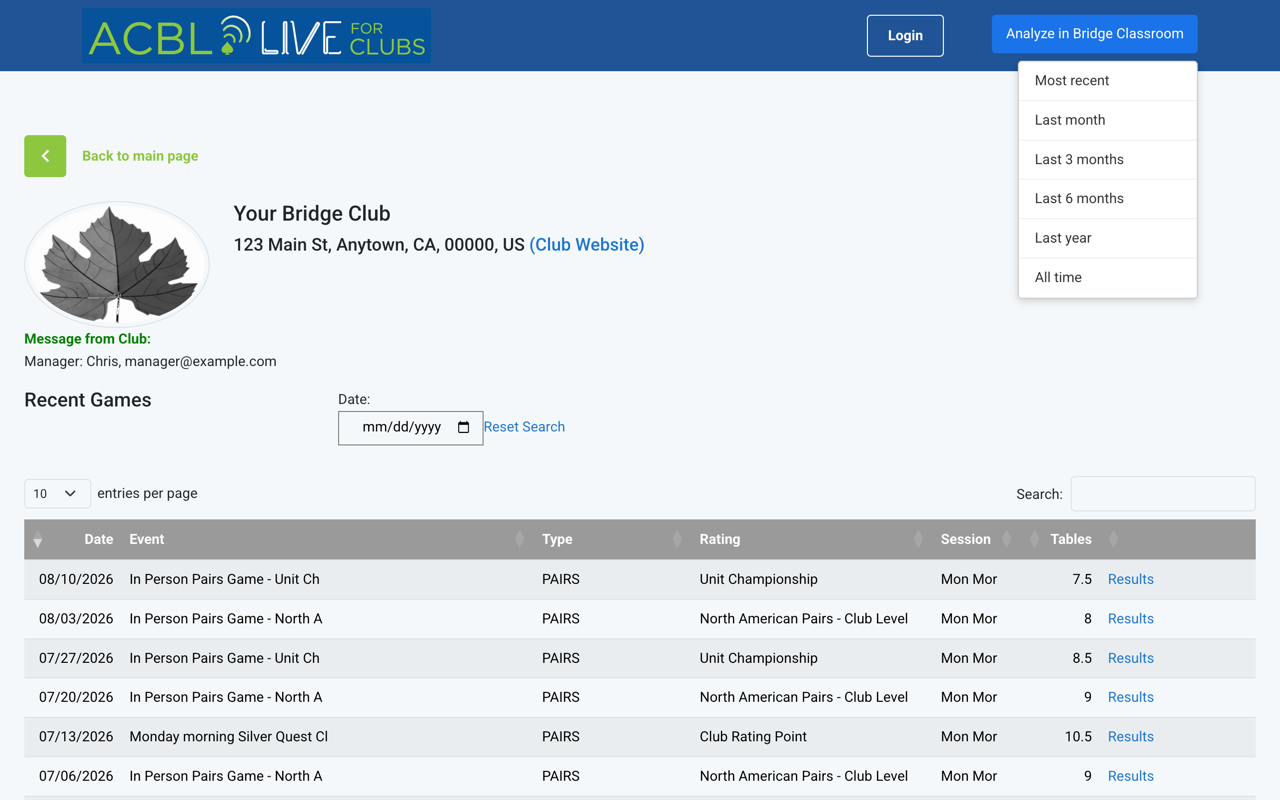
On your club’s results page: pick one game or a date range
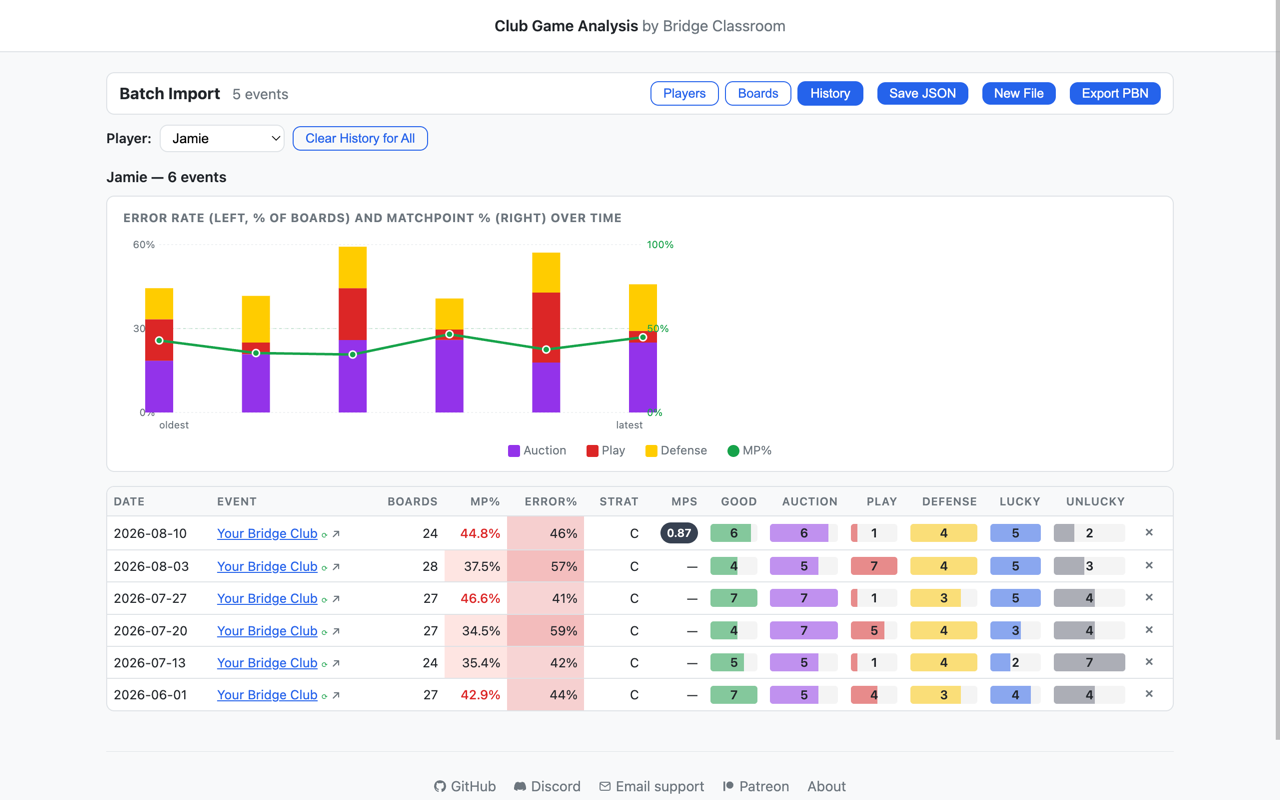
The games arrive in Game Analysis
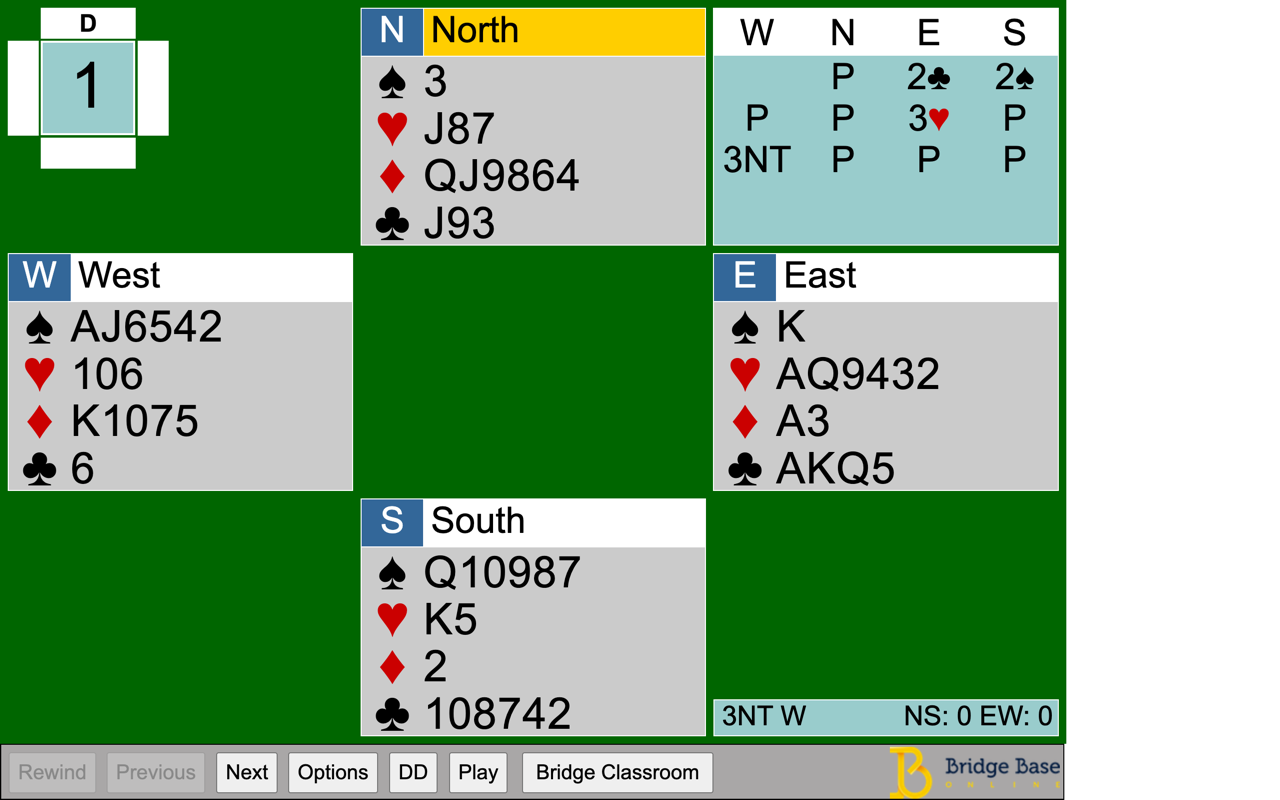
On Bridge Base Online, a Bridge Classroom button beside BBO’s own