Build interactive bridge lessons from PBN files
Bridge Curator is a visual lesson authoring tool. Load a PBN file, work through each deal, write the teaching narrative, tag the key bids and plays, and publish directly to the Scenario Mastery app — where students can bid through your lesson interactively.
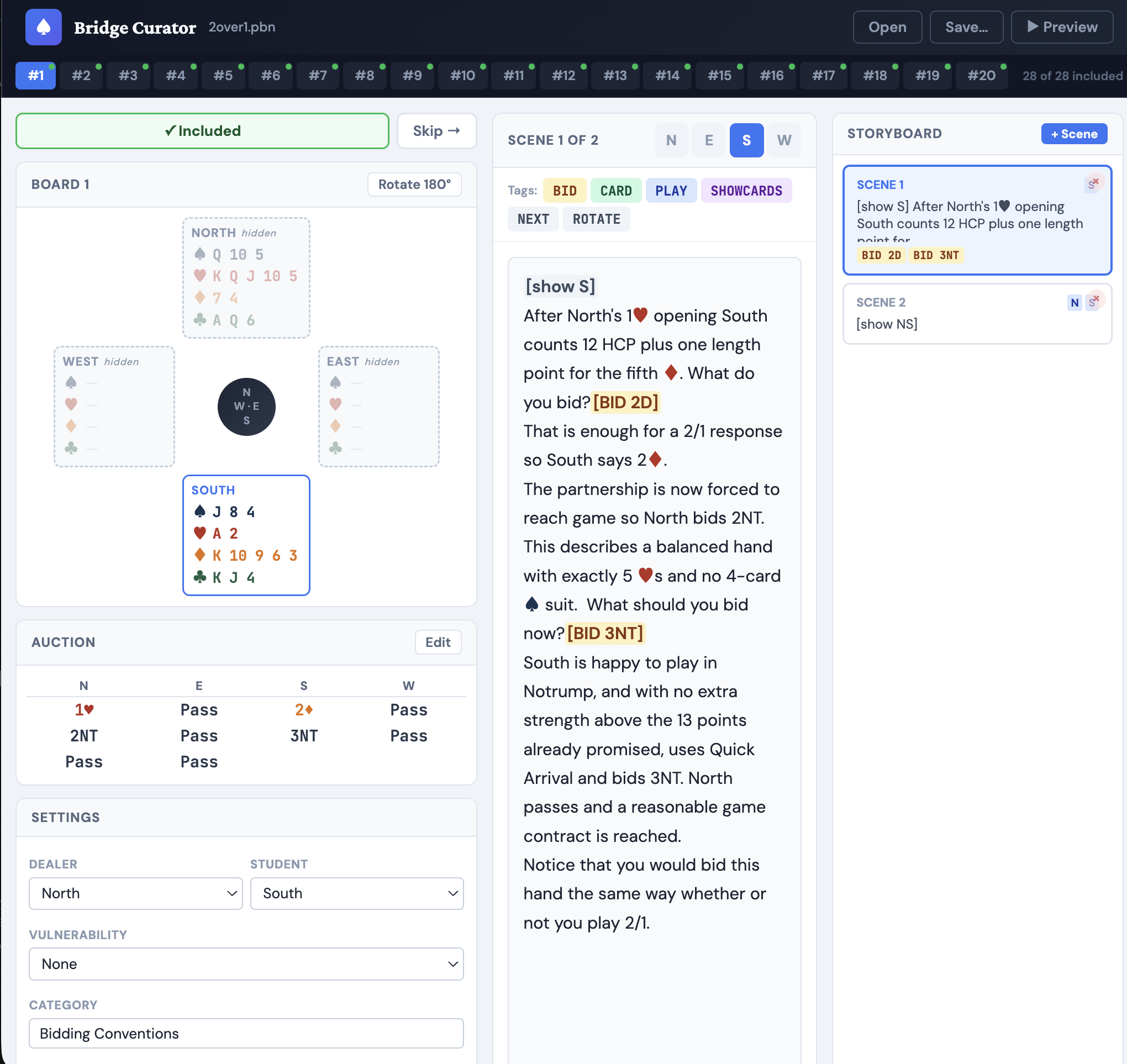
Visual storyboard authoring
Each deal becomes a multi-scene story. Write the teaching narrative, reveal hands progressively, and tag which bids students need to make.
Include or skip deals
Browse all deals in the PBN file and mark each one as included or skipped. Build the exact lesson set you want from a larger source file.
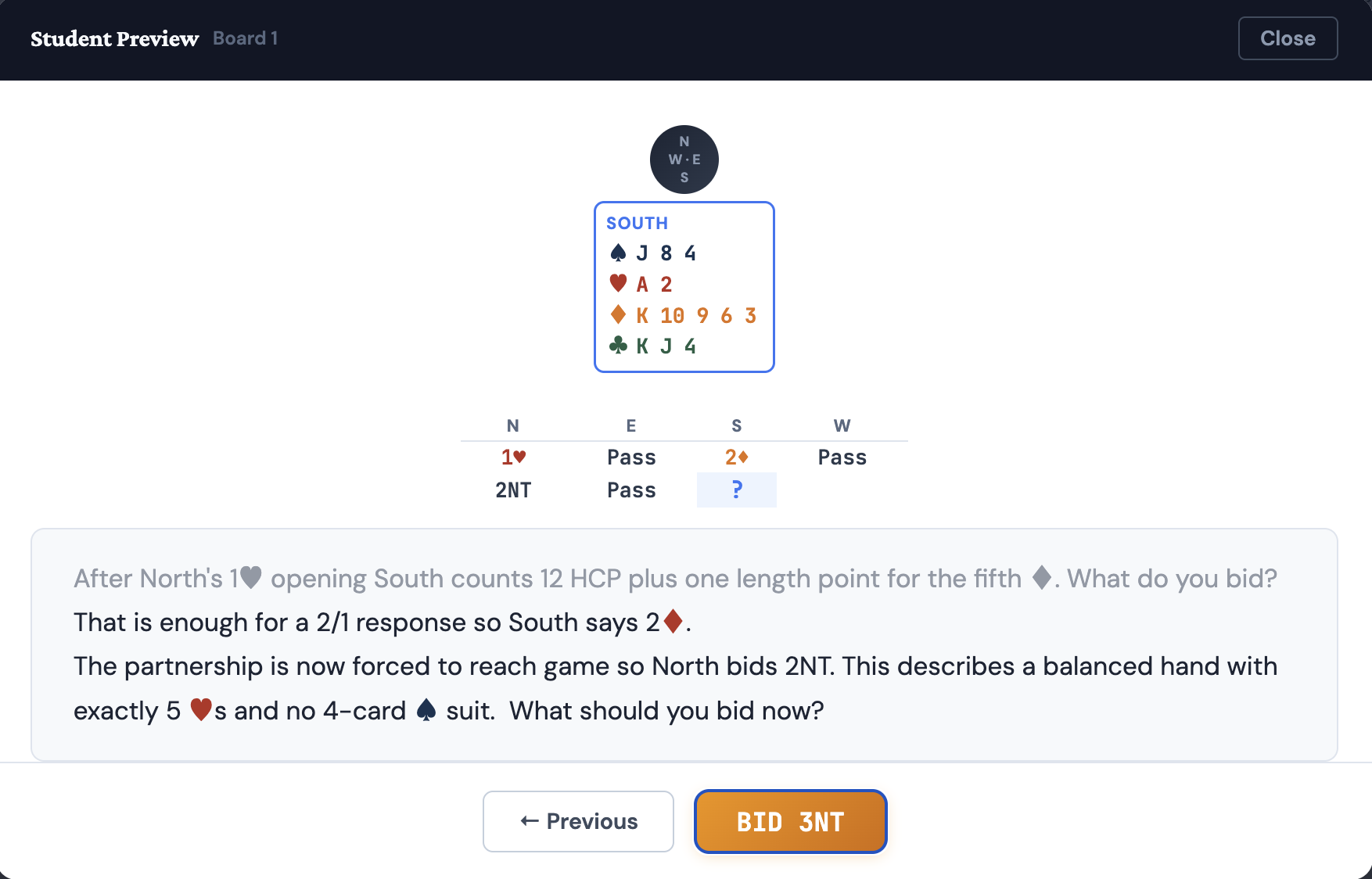
Live student preview
See exactly what your students will experience before publishing — the same interactive bidding interface they use in the app.
Publish to the app
Save your lesson as a collection that appears directly in students' Scenario Mastery app. No manual file transfers or uploads needed.
Download scenario PBN files from the Deal Library or generate your own with dealer3.
Open the PBN in Bridge Curator. Browse the deals and mark which ones to include.
For each deal, write the teaching narrative and tag the key bids and plays students need to find.
Preview the lesson as a student, then publish to the app.